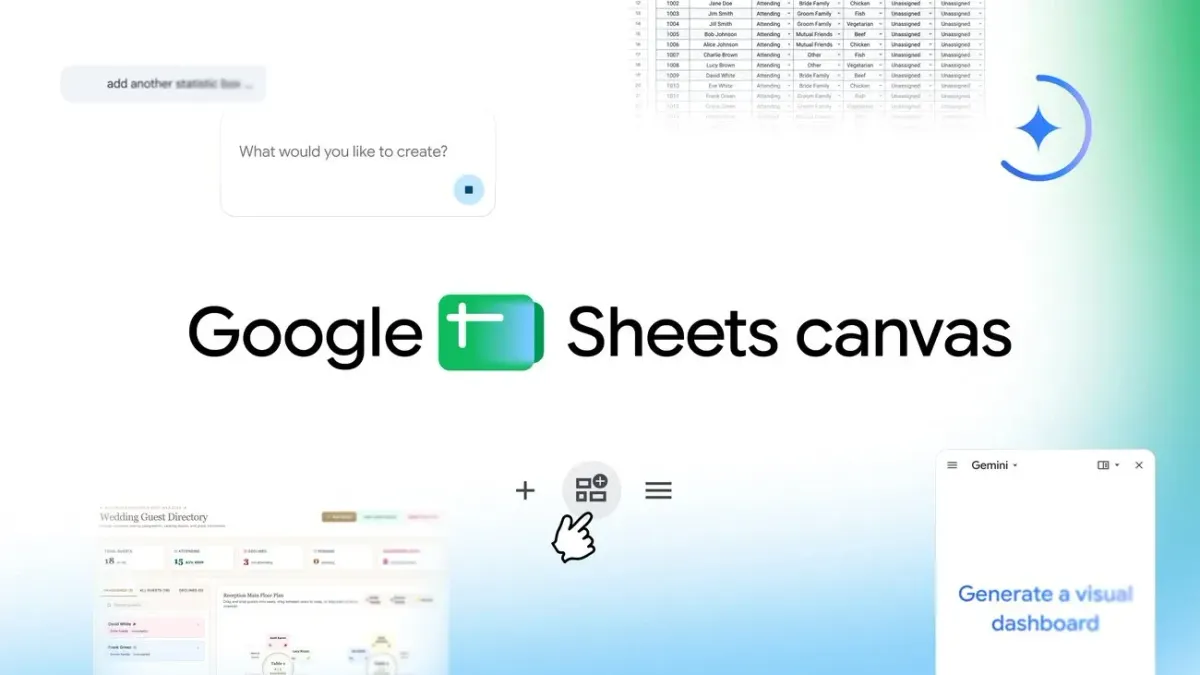
Google launches Sheets canvas for Gemini mini-apps
Google Sheets canvas adds a Gemini-powered visual layer to spreadsheets, enabling users to generate interactive mini-apps from their data.
Original article
Google is rolling out Sheets canvas, a Gemini-powered feature that turns spreadsheet data into custom, interactive “mini-apps” inside Google Sheets. The new read-write layer sits directly on top of a spreadsheet, giving users a visual way to organize, edit and navigate information without formulas, programming, or a separate app.
Users can open a spreadsheet, select “Create canvas” in the Ask Gemini side panel, and describe the result they want in natural language. Gemini builds a layout from the existing data, and follow-up prompts can alter its design, arrangement, or functionality. Edits made in either the canvas or the underlying sheet sync in real time. Because the canvas lives as a tab in Google Sheets, it can also be shared with collaborators like a regular sheet.
Staring at hundreds of rows and columns, wishing your spreadsheet was an interactive dashboard? 📊✨ Introducing Sheets canvas in Google Sheets—turning static data into interactive "mini-apps" with a simple prompt. Available now globally in English to Google AI Pro and Ultra…
Google is positioning Sheets canvas for everyday projects where long rows and columns make key details harder to see. Students can turn assignment lists into visual study trackers with progress, reminders, and a view of the week ahead. Fantasy football players can create roster command centers for comparing player statistics and standings. Wedding planners can convert RSVP records into seating charts, move guests between tables, and keep the central spreadsheet current.
The launch gives Gemini a new role in how people present and work with data already held in Sheets. Instead of requiring code or a separate tool, Sheets canvas lets people build a task-specific view through prompts while keeping the spreadsheet underneath it. Its two-way syncing is central to the approach: the visual layer is not a static presentation, and updates remain connected to the source data.
Sheets canvas is now available globally in English to Google AI Pro and Ultra subscribers. Google has also begun rolling it out to Workspace customers on Business or Enterprise Standard and Plus plans, as well as subscribers to the Google AI Pro for Education add-on. Access begins inside an existing Google Sheets spreadsheet through the Ask Gemini side panel.
Fresh dev news, AI-digested daily. Never miss a trend at devoured.fyi