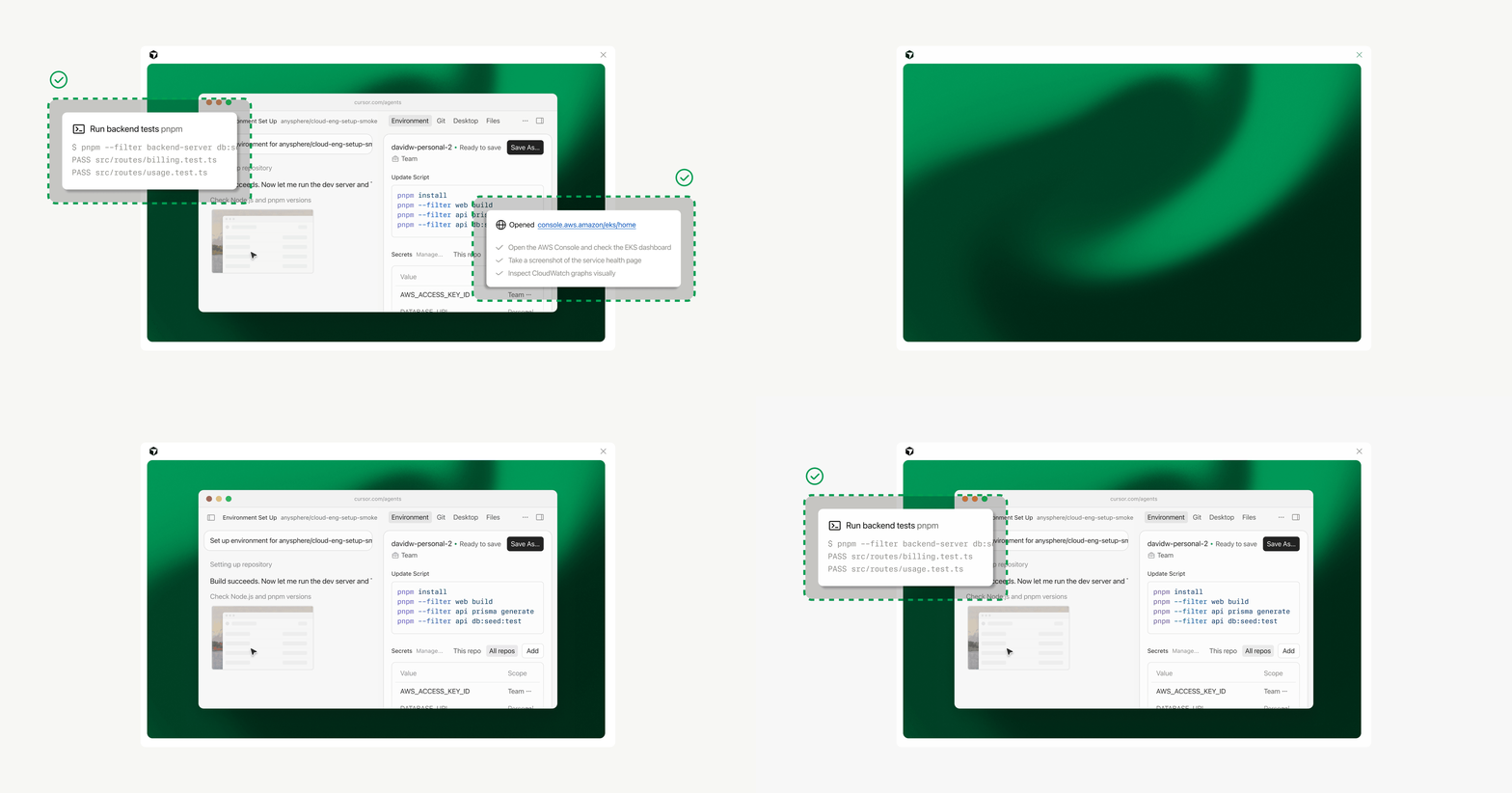
Cloud agents start 3x faster with builds
Cursor's new build system continuously prepares development environments in the background, allowing agents to launch up to 3x faster.
Deep dive
- Builds eliminate the 'just-in-time' boot latency caused by cloning and installing dependencies on every run.
- Systems use filesystem snapshots to keep a warm copy of the environment ready.
- If a build fails due to a bad commit, agents fall back to the last successful version, ensuring resilience.
- Users can inspect build logs and commit SHAs via the Cloud Agents dashboard.
- Standard 'install' commands are executed during the build, while 'start' commands run upon agent activation.
Original article
Agents are only as capable as the environments they run in. Fast, reliable development environments allow agents to take ambitious, long-running tasks from start to finish.
Until now, every cloud session began with extensive setup: boot a machine, clone the repositories, and run the install script. On a large, complex repo, this just-in-time boot could take several minutes before the agent started executing.
Today we're introducing builds: ready-to-use copies of your development environment that Cursor prepares continuously in the background, at no additional cost. When you kick off an agent, it starts in a ready environment so you get a response up to 3x faster.
And when a bad commit or dependency update breaks your environment, agents keep using the last successful build. Your work continues uninterrupted while you debug in the background.
Faster boot times
A build is a copy of your development environment that Cursor prepares in the background. By default, Cursor runs a new build every hour. Instead of setting up the environment from scratch each session, agents boot into a ready version: repos cloned, dependencies installed, and the install script fully executed.
When a build succeeds, it becomes the environment that future agents start from. Cursor keeps warm copies ready with new agents forking a live machine instead of restoring one from disk. This allows sessions to start almost instantly instead of keeping the next agent waiting.
With environment setup already complete, agents get to real work much faster. At Cursor, our internal environments now boot 10x faster and time to first token is 3x faster.
Our customers are seeing the same:
We kick off more than 2,000 automated agent runs a week without any manual prompting. With builds, every run boots quickly into an environment we know is good and broken builds never take down the agent fleet. Our largest, most complex repos now start in just a few seconds.
That combination of speed and reliability is what lets us hand more of our engineering work to agents that run entirely on their own.
More resilient agents
Cloud agents always start from the latest successful build. If a dependency bump breaks your install script or a Docker build fails, that build never becomes active and you're notified of the issue. New and existing sessions keep running safely while you debug the environment in the background, either manually or with an agent.
Better observability and easier debugging
You can now inspect each build directly in your Cloud Agents dashboard, with:
- A Builds tab for each environment, with type, status, start time, and versioning
- Build details with logs and the exact commit SHAs the build captured
- A record that ties each agent run to exactly the build it used
- A configurable threshold for a build's git state so agents don't start too far behind your default branch
Agents can also inspect and manage builds using the built-in Cursor Cloud MCP.
Get started with builds today
For an existing environment, open it in the Cloud Agents dashboard, go to the Builds tab, and click Enable Builds. Or click Run setup agent first to test the migration and review any proposed config changes.
Because builds work by using filesystem snapshots, there are a few things worth checking at this stage:
- Update your install command to cover anything that can be prepared ahead of time, like dependencies
- If install needs credentials for private registries, use team or environment secrets. User secrets stay out of builds and are added when the agent starts.
- The start command still runs when you first prompt an agent. Use it for services that must be fresh when the session begins, like bringing up Docker containers or other long-running processes
On August 17th, all new and existing environments will use builds by default, with no additional cost to you.
Learn more in our docs.
Fresh dev news, AI-digested daily. Never miss a trend at devoured.fyi