Shader Magic for Frontends (Website)
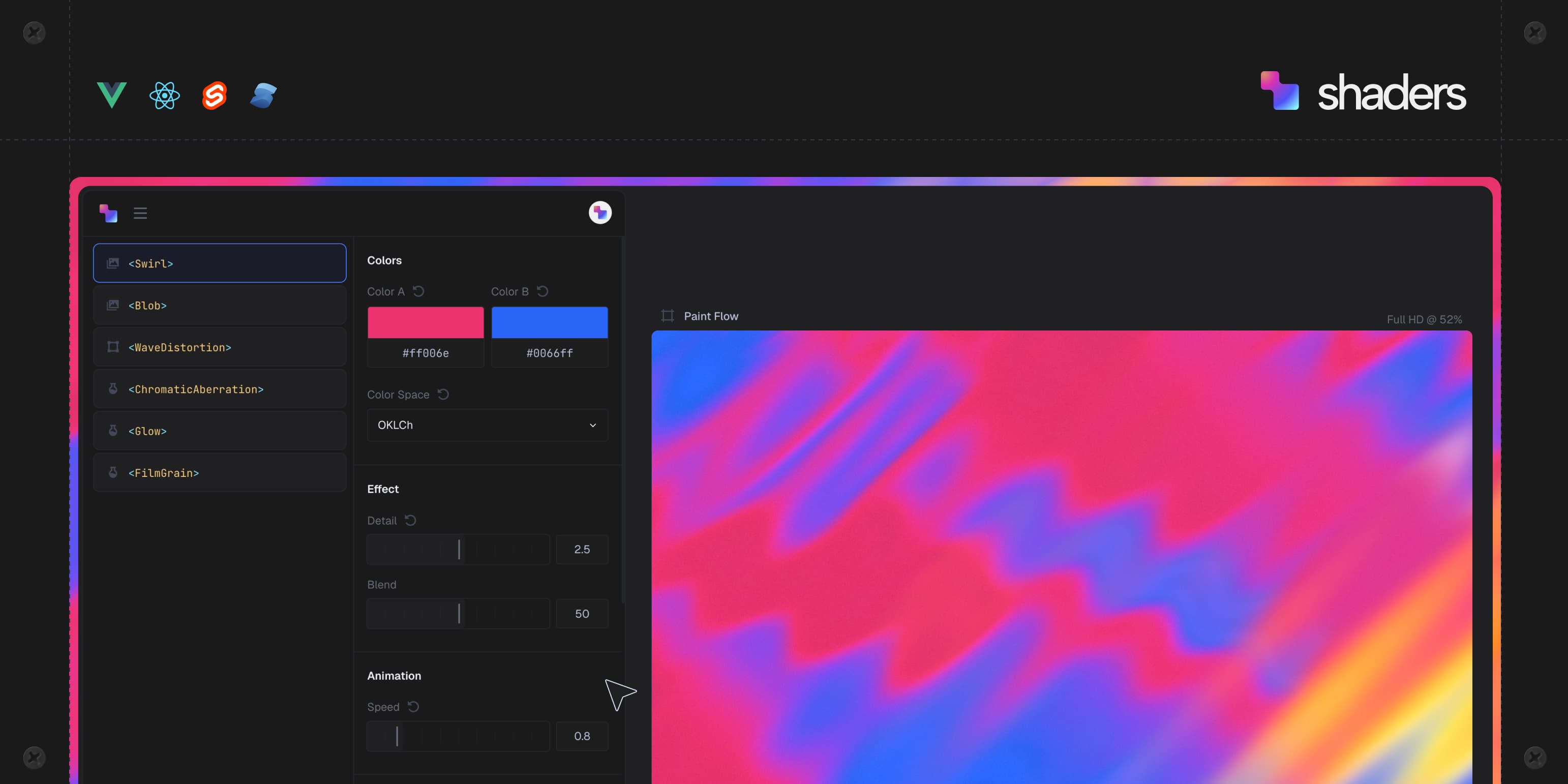
Shaders.com offers a library of 120 WebGPU-powered components to simplify adding interactive visual effects to modern frontends.
Decoder
- WebGPU: A web API that provides low-overhead access to the GPU, designed to replace WebGL for high-performance graphics and computation.
- Shader: A program that tells the GPU how to calculate the color and position of pixels, typically used for rendering visual effects.
- MCP: Model Context Protocol, a standard for connecting AI assistants to data and tools.
Original article
shader magic for modern frontends
The component library for creative WebGPU effects in the browser
Ship interactive backgrounds, logo shaders & image effects
Elevate your designs in seconds with our WebGPU components and presets
Find your perfect shader with 0 Pro presets.
Explore 0 hand-crafted collections — ready to drop into any project, available with Shaders Pro.
Customize visually. Copy & paste code.
Create effects in the design editor, then export clean, production-ready code for your framework of choice.
Connect your agent. Watch it do magic.
Search presets, install with one command, and customize props — all from your AI agent, without leaving your terminal. Connects to any MCP-compatible agent in minutes.
Mix and match from 120 base components.
Stack, nest, mask and blend to create endlessly customizable effects in familiar component structure.
Free for personal & commercial use.
Framework Quickstart Guides
- Vue: Quickstart guide
- React: Quickstart guide
- Svelte: Quickstart guide
- Solid: Quickstart guide
- JS: Quickstart guide
When anyone can crank out a decent looking page, shaders is what will take your designs to the next level. This is a fantastic tool to help you turn your creativity into those experiences.
— Wes Bos, Syntax
Shaders significantly lowers the barrier to creating web shader animations, making it possible to design fancy, interactive visuals in seconds. Highly recommended for all frontend developers and design engineers.
— SerKo, Vue Language Tools
The project is incredibly smooth and easy to work with! It's just amazing how, with very little effort, you can add things that have a stunning visual effect!
— Hugo Richard, Nuxt / Vercel
Frequently asked questions
Everything you need to know before getting started with Shaders. For more detailed guides, check out our full documentation.
- What is Shaders?
- Is Shaders free?
- What does the Pro license include?
- Do I need to know shader programming or GLSL?
- Can I use Shaders in production?
- What frameworks does Shaders support?
- How do I install and use Shaders?
- What do I actually export from the editor?
- What can I do with the Shaders MCP?
- Which AI agents support the Shaders MCP?
- Are the effects animated or interactive?
- Can I use my own media in my shaders?
- Does Shaders use WebGPU or WebGL?
- Is there documentation available?
- Is there a community or place to get help?
Fresh dev news, AI-digested daily. Never miss a trend at devoured.fyi