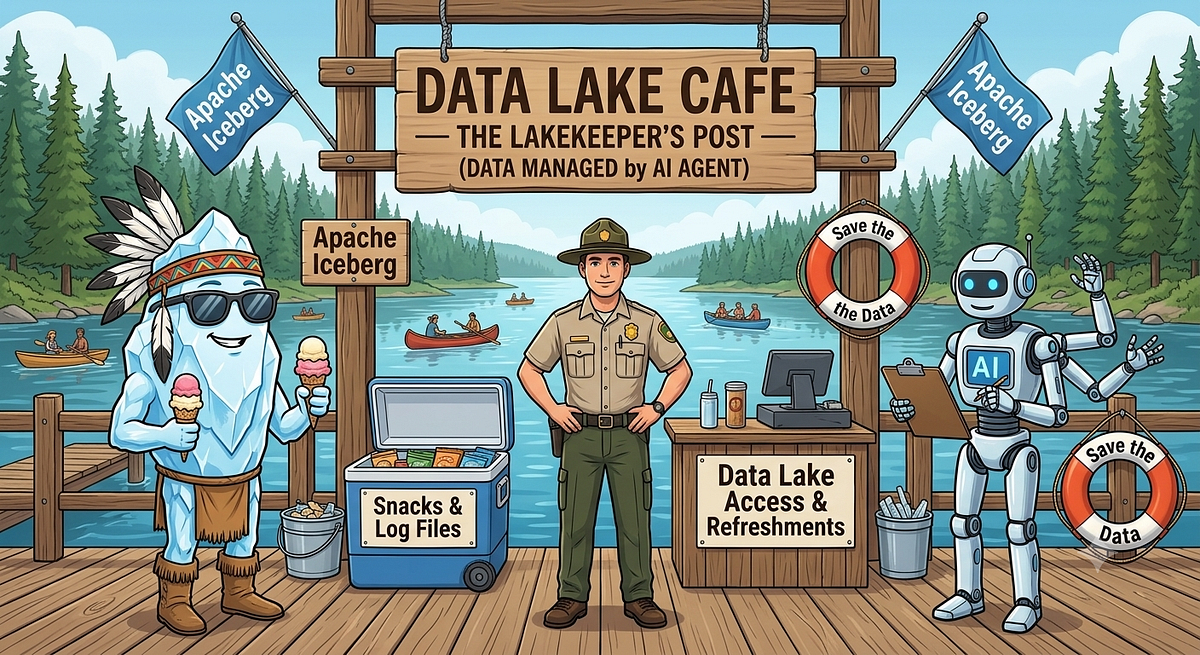
AI Schema Analyzer: Powered by Iceberg and Lakekeeper
An AI schema-drift analyzer uses Lakekeeper and Kafka to detect table DDL changes and generate remediation advice in near-real-time.
Decoder
- Schema Drift: Unplanned changes to data structure, such as added or renamed columns, that break downstream pipelines.
- Lakekeeper: A Rust-based, high-performance REST catalog for Apache Iceberg.
Original article
AI Schema Analyzer: Powered by Iceberg and Lakekeeper
If there is anything been making a statement in Data Engineering world other than AI that would be Iceberg.
Iceberg, high-performance, open-source table format designed for massive analytical datasets in data lakes and lakehouse architectures.
Iceberg makes any big data engine to work seamlessly at the same time.
This blog is not going to be another blog talking about Iceberg. But our intention is to take it to a step further and connect with AI for Schema Drift impact analysis.
The Goal
The most common and painful area in Data Engineering world is the schema drift.
1 small change schema change in source will break your all the downstream processes which depends on it.
In this blog we will create our own AI Impact Analyst. Who is going to guard your Iceberg tables for any changes and analyse the impact and provide you with the recommendations.
Chapters
- Infrastructure setup: Familiarize you with the tools and services been used and set it up using Docker
- Demo: We shall run our sample demo job present the use case
- AI Impact Analyst: Finally our AI agent who will analyze the impact and provide you the recommendations.
Flow
The Query Engines run DDL → Lakekeeper updates catalog/storage → change event hits Kafka → analyst analyzes → Slack + SQLite.
Chapter 1: Infrastructure setup
Lets create a docker based setup to be able to run our processes locally.
Lakekeeper
Lakekeeper is a secure, fast, and user-friendly Apache Iceberg REST Catalog built with Rust and available under the Apache License.
I recommend you to read the official documentation here: https://docs.lakekeeper.io/
Lakekeeper is our main Actor who is responsible to maintain the Iceberg Catalog using REST.
RedPanda(Kafka)
Lakekeeper pushes change events straight to Kafka, so the analysis happens within seconds of the change, with zero scanning of table metadata.
Redpanda is a Kafka-API-compatible broker which will store the events from lakeKeeper.
MinIO
We use minio which is a S3-compatible storage for the demo warehouse.
FastAPI
Which works as intermediate process which will fetch the events from Kafka and provides to the Analyzer service.
AI Analyst
AI Analyst, is a FastAPI + aiokafka + Anthropic SDK which reads the event from Kafka and processes using the configured model and provides the impact analysis.
Chapter 2: DEMO
Pre-requisites
Make sure you have the below setup done
- Docker compose
- Anthropic API key
- Slack webhook
git clone https://github.com/ajithshetty/lakekeeper-catalog-impact-analyst.git
cd lakekeeper-catalog-impact-analyst
cp .env.example .env
# edit .env: set ANTHROPIC_API_KEY and SLACK_WEBHOOK_URL
docker compose up -d - buildGive it around 30 seconds for all services to become healthy.
Docker Compose handles the ordering via health checks. The `warehouse-setup` container automatically creates `demo-warehouse` on first boot and no manual step is needed.
You can access the minio here:
http://localhost:9001/browser/warehouseLets connect to LakeKeeper and make sure we have our warehouse created.
http://localhost:8181/ui/warehouseChapter 3: AI Impact Analyst
Lets simulate the Spark job using the docker.
docker compose --profile demo up sparkThis container will:
- Create a name space
- Create the sample tables
- Insert sample rows into our table
- Make some DDL changes by adding columns
- More changes by renaming a column
- Drop the tables
We have defined the severity of each of these operations in our job.
| Step | DDL | Analyst severity |
|---|---|---|
| 1 | CREATE NAMESPACE × 2 | info |
| 2 | CREATE TABLE sales.customers | info |
| 3 | CREATE TABLE sales.orders (partitioned) | info |
| 4 | CREATE TABLE analytics.daily_revenue | info |
| 5 | INSERT sample rows | — |
| 6 | ADD COLUMN orders.discount | low |
| 7 | ADD COLUMN customers.phone | low |
| 8 | RENAME COLUMN customers.email → contact_email | medium–high |
| 9 | DROP TABLE analytics.daily_revenue | high |
| 10 | Recreate daily_revenue with new schema | medium |
| 11 | DROP TABLE sales.orders | critical |
Make sure our tables are created.
Lets head to lakekeeper and check the same.
As we made changes to our schema, this emits an event to Kafka.
And our FastAPI service fetches the same and provides the AI powered Anlyzer.
We can see the logs from the container Analyst.
docker compose logs -f analystAlso Re-confirm if events are flowing in.
http://localhost:8000/eventsFinally based on the changes we made in the Spark job, the events are emitted from the Lakekeeper to Kafka.
We have our FastAPI service which reads from the Kafka and pushes it to our Analyzer service.
Analyzer service is an Agent which is been instructed to be a data platform reliability assistant.
Using the Anthropic API we connect to the configured model and analyze the event.
Finally send out the analysis and recommendation in slack.
Fresh dev news, AI-digested daily. Never miss a trend at devoured.fyi