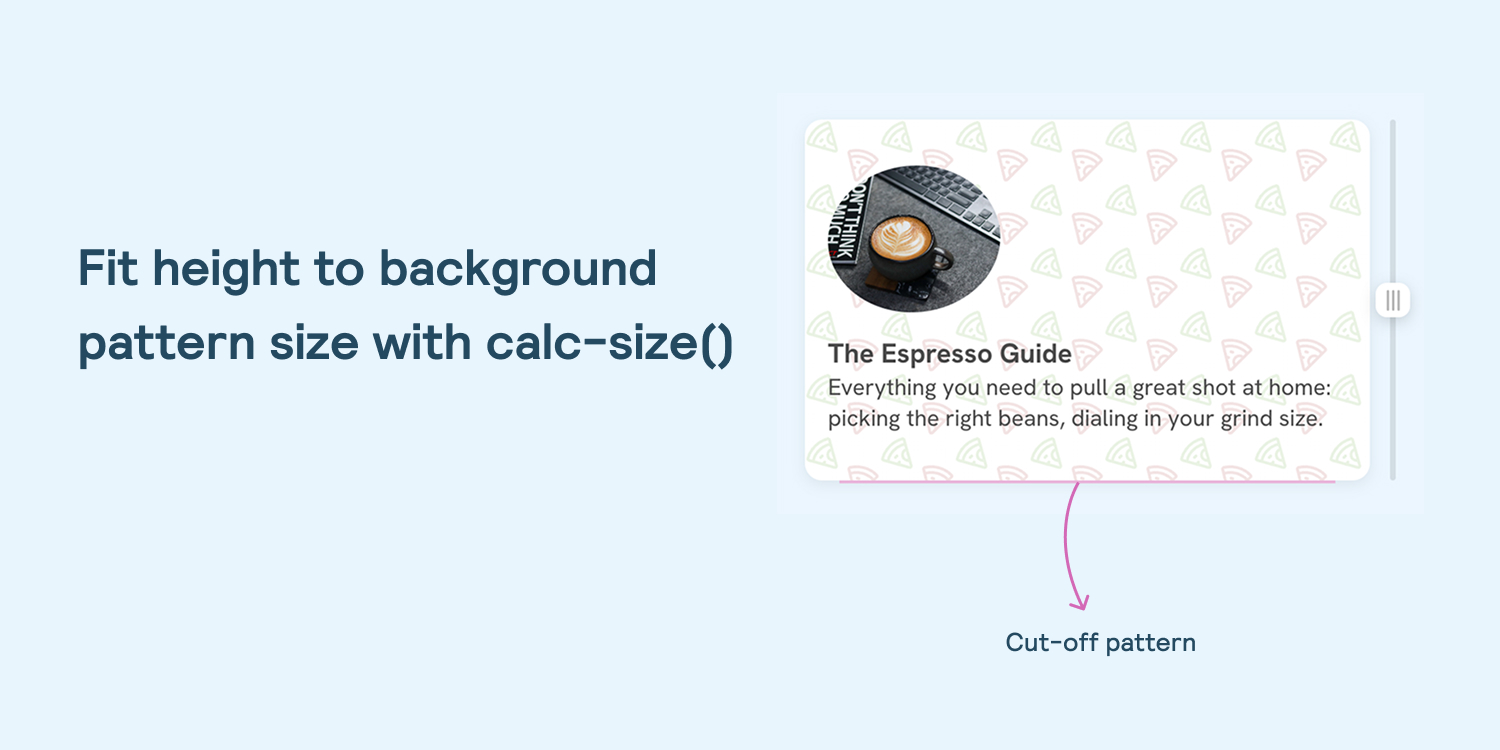
Fit height to background pattern size with calc-size()
Developers can use the experimental `calc-size()` and `round()` CSS functions to align container heights to background pattern tiles without distorting the pattern.
Decoder
- calc-size(): A proposed CSS function that allows performing calculations on intrinsic (auto) sizes, which were previously difficult to manipulate.
Original article
Fit height to background pattern size with calc-size()
The problem
I have a section with a background pattern that repeats on both axes. I wanted the vertical repeat to be aligned with the pattern’s height, so the pattern won’t have cut-offs.
Take the following design.
.section {
  --tile-width: 52px;
  --tile-height: 44px;
  background-image: url("pattern.png");
  background-size: var(--tile-width) var(--tile-height);
}
Do you notice the cut-off at the bottom? This doesn’t look good. The first thing I thought about was to use the round value for the background-repeat property.
.section {
  background-repeat: round;
}
That worked.
But my inner self said no. This is not the best solution, given the modern CSS tools we have. What I don’t like about this solution is that using the round keyword will force the pattern to shrink or grow.
Let’s explore a better solution.
Using calc-size() and round()
The following solution works only in Chrome at the time of writing this article.
We can use calc-size() to get the auto height value, then use it with the round() function to round it to the nearest value we want. In this case, the value is the pattern’s height.
.section {
  height: calc-size(auto, round(up, size, var(--tile-height)));
}
At first glance, it looks like setting a fixed height. In fact, it works like min-height, as it calculates the auto height, then rounds it up to the nearest multiple of the tile height.
It works great for different pattern sizes. All we need to provide is the tile height.
I wrote about the round() function if you want to dig more into it.
Rounding up or down?
Rounding the height up to the nearest multiple of the tile height will increase the height in most cases.
I prefer down, as it doesn’t increase the height when it’s not needed, but it’s not a big deal.
What about padding?
We need to add vertical padding, so I thought about using round() for it, too. See below:
.section {
  height: calc-size(auto, round(up, size, var(--tile-height)));
  padding-block: round(up, 1rem, var(--tile-height));
}
The top and bottom padding is equal to the pattern’s tile height.
Where rounding down feels a bit odd
Notice how the content is too close to the edge. This is where it starts to feel a bit odd, so in this case, I’d switch to rounding up for more expected behavior.
The complete solution
Here is the complete CSS for the solution in the previews demos.
.section {
  /* This must match the size of the pattern image. */
  --tile-width: 52px;
  --tile-height: 44px;
  background-image: url("pattern.svg");
  background-size: var(--tile-width) var(--tile-height);
  padding-block: round(up, 1rem, var(--tile-height));
  height: calc-size(auto, round(up, size, var(--tile-height)));
}
Fresh dev news, AI-digested daily. Never miss a trend at devoured.fyi