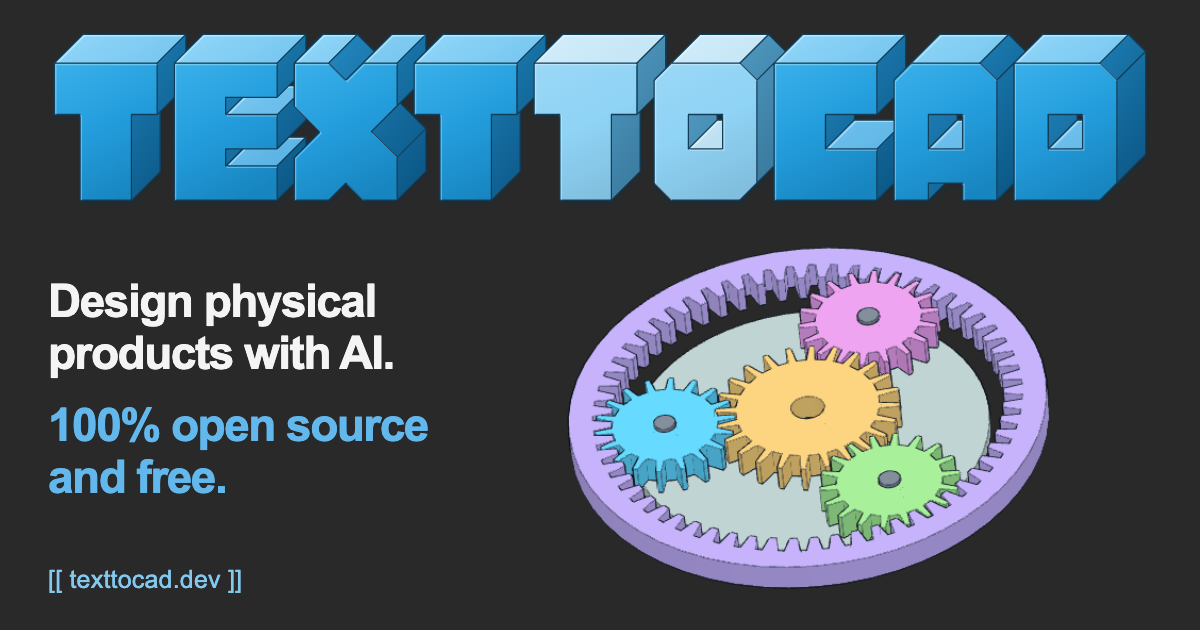
Open-Source CAD for AI Agents (Website)
The text-to-cad plugin provides AI coding agents with local workflows to generate, validate, and manufacture 3D engineering models.
Deep dive
- Leverages the build123d library for programmatic CAD model generation.
- Provides DfAM (Design for Additive Manufacturing) checks for printability.
- Automates the creation of URDF/SDF files for robotics simulation.
- Enables DFM reviews for CNC, sheet metal, and injection molding processes.
- Includes native support for G-code generation and Bambu Lab printer integration.
Decoder
- CAD (Computer-Aided Design): Software used for creating precise 3D models and 2D engineering drawings.
- STEP/GLB/STL/3MF: Standard file formats for 3D geometry and manufacturing data.
- DFM (Design for Manufacturing): The practice of designing parts so they are easy and cost-effective to manufacture.
- URDF/SDF: XML-based file formats used by robotics simulators to define robot structure, kinematics, and physics.
Original article
text-to-cad: Design physical products with AI.
Design physical products with AI. 100% open source and free.
Overview
The text-to-cad plugin gives your agent local workflows for generating 3D models as STEP, GLB, STL or 3MF files. It also does design for manufacturing checks, generates engineering drawings, and connects to popular 3D printing, sheet metal and CNC fabrication services.
It is supported by all popular agents that support plugins or the skills framework, including Claude Code, Codex, Cursor, Gemini and Grok.
How it works
- Your agent writes each model as a Python script with build123d, built on Open CASCADE.
- Running the script,
python model.py, builds the model with cadgen's engine into an.xbfdocument (its parts, names, colours, materials and joints) and the STEP, GLB, STL or 3MF files the script declares. The engine keeps each model's work in memory, so an edit rebuilds only what it changed. - The CAD viewer shows the model in your agent app or your browser, and follows every rebuild.
Install
Ask your agent (recommended)
Send this message to your agent and it will install text-to-cad for you.
Install text-to-cad from https://github.com/earthtojake/text-to-cad
By default, text-to-cad sends usage stats and crash reports, tagged with a random ID and never including your files, paths or prompts; turn them off with uvx --no-config --managed-python --python 3.13 --from cadgen==0.8.3 cadgen telemetry off, or ask your agent to.
Claude Code
claude plugin marketplace add earthtojake/text-to-cad#latest
claude plugin install text-to-cad@earthtojake
Update, then restart the app:
claude plugin marketplace update earthtojake
claude plugin update text-to-cad@earthtojake
Reinstall: remove it, then install it again:
claude plugin uninstall text-to-cad@earthtojake
claude plugin marketplace remove earthtojake
Codex
Manual install:
codex plugin marketplace add earthtojake/text-to-cad --ref latest
codex plugin add text-to-cad@earthtojake
Update, then restart the app:
codex plugin marketplace upgrade earthtojakeReinstall: remove it, then install it again:
codex plugin remove text-to-cad@earthtojake
codex plugin marketplace remove earthtojake
Cursor
Cursor also loads the Claude Code plugin: if it is installed, skip this.
git clone --depth 1 --branch latest https://github.com/earthtojake/text-to-cad ~/.cursor/plugins/local/text-to-cadUpdate, then restart the app:
git -C ~/.cursor/plugins/local/text-to-cad pullReinstall: remove it, then install it again:
rm -rf ~/.cursor/plugins/local/text-to-cadGrok Build
Grok Build also loads the Claude Code plugin: if it is installed, skip this.
grok plugin install earthtojake/text-to-cad@latest --trust
grok plugin enable text-to-cad
Update, then restart the app:
grok plugin update text-to-cadReinstall: remove it, then install it again:
grok plugin uninstall text-to-cadGemini
gemini extensions install https://github.com/earthtojake/text-to-cad --ref latest --consent --auto-updateUpdate, then restart the app:
gemini extensions update text-to-cadReinstall: remove it, then install it again:
gemini extensions uninstall text-to-cadOther Agents
For an agent without plugin support: the skills give you everything you need for core CAD workflows and let you view CAD files in a localhost web app.
npx skills add earthtojake/text-to-cad#latestRun the install command again to update or reinstall, then restart the app.
Skills
Install the library to give agents focused workflows for CAD, fabrication, robot description files, simulation, and local review.
- CAD: Creates and edits CAD models from plain-language or image requests as Python scripts, built into XBF documents with STEP, STL, 3MF and GLB exports.
- step.parts: Finds off-the-shelf STEP parts like screws, bearings, motors, and connectors.
- Engineering Drawing: Dimensioned engineering drawings from a part, as a PDF: views, hidden lines, dimensions, hole callouts, title block.
- DXF: Creates 2D DXF drawings like profiles, templates, gaskets, and cut layouts from Python sources or CAD geometry.
- URDF: Writes robot structure files with links, joints, limits, inertials, and meshes.
- SRDF: Adds MoveIt planning groups, end effectors, poses, and collision rules to a URDF.
- SDF: Creates simulator models and worlds with frames, physics, sensors, and lights.
- SendCutSend: Checks DXF and STEP files before upload to SendCutSend.
- DfAM Check: Measures mesh printability per process: wall thickness, overhangs, support volume, and build orientation.
- DFM: Reviews a part for sheet metal, CNC machining, or injection molding, with measured evidence and the cited rule behind every finding.
- G-code: Slices models into printer-ready G-code with OrcaSlicer, using your own printer presets.
- Bambu Labs: Sends prints to Bambu Lab printers through Bambu Connect, Bambu Lab's official app, or Bambu Studio.
Contributing
Branch from main and open PRs against main. For the local workflow, testing in agent apps and validation, see CONTRIBUTING.md.
Fresh dev news, AI-digested daily. Never miss a trend at devoured.fyi