Build programmatic agents with the Cursor SDK (6 minute read)
Cursor released an SDK that lets developers programmatically deploy the same AI coding agents that power Cursor's editor into CI/CD pipelines, internal tools, and customer-facing products.
Deep dive
- The SDK provides the same production-ready infrastructure Cursor uses internally, eliminating the need to build secure sandboxing, state management, environment setup, and context management from scratch
- Cloud sessions run on dedicated VMs with strong isolation, persist through network drops and laptop sleep, and can automatically create PRs or push branches when tasks complete
- Developers can start tasks programmatically via the SDK and later inspect or take over the work through Cursor's Agents Window or web app, providing flexibility between automated and interactive workflows
- The harness includes intelligent context management with codebase indexing and semantic search, MCP server integration for external tools, automatic skill detection from repo directories, and customizable hooks to extend agent behavior
- Subagents allow delegating subtasks to specialized agents with their own prompts and models, enabling complex multi-step workflows
- Composer 2, Cursor's specialized coding model, delivers frontier-level performance at a fraction of the cost of general-purpose models, optimizing the cost-capability balance for coding tasks
- Real-world use cases span CI/CD integration (summarizing changes, diagnosing failures, auto-fixing PRs), internal tooling (letting non-technical teams query data), and customer-facing product features
- The SDK supports three runtime modes: cloud (fully managed VMs), self-hosted workers (keeping code inside your network), and local (fast iteration on developer machines)
- Companies like Faire, Rippling, Notion, and C3 AI are already using it to run parallel agents at scale without managing infrastructure or hitting memory limits
- The SDK is available in public beta for all users with token-based consumption pricing, with ongoing investment in multi-language support and broader deployment patterns
Decoder
- MCP servers: Model Context Protocol servers that let agents connect to external tools and data sources over stdio or HTTP, configured via JSON files or inline code
- Harness: The underlying infrastructure and tooling layer that manages how agents interact with code, including indexing, search, tool access, and execution environment
- Composer 2: Cursor's specialized AI model optimized specifically for coding tasks, achieving performance comparable to frontier models at lower cost
- Subagents: Secondary AI agents spawned by a main agent to handle specific subtasks, each with their own configuration and model selection
Original article
We're introducing the Cursor SDK so you can build agents with the same runtime, harness, and models that power Cursor.
The agents that run in the Cursor desktop app, CLI, and web app are now accessible with a few lines of TypeScript. Run it on your machine or on Cursor's cloud against a dedicated VM, with any frontier model.
Coding agents are evolving from interactive tools for individual developers to programmatic infrastructure for organizations. The Cursor SDK lets you deploy agents without the overhead of building and maintaining the entire agent stack. Many teams are invoking agents directly from CI/CD pipelines, creating automations for end-to-end workflows, and embedding agents into their core products.
The Cursor SDK is now available in public beta for all users. Just run npm install @cursor/sdk to get started.
import { Agent } from "@cursor/sdk";

const agent = await Agent.create({
  apiKey: process.env.CURSOR_API_KEY!,
  model: { id: "composer-2" },
  local: { cwd: process.cwd() },
});

const run = await agent.send("Summarize what this repository does");

for await (const event of run.stream()) {
  console.log(event);
}
Deploy agents to production quickly
Building fast, reliable, and capable coding agents that run safely against your data requires meaningful engineering effort: secure sandboxing, durable state and session management, environment setup, and context management. And when a new model ships, teams often have to rework their agent loops to take advantage.
The Cursor SDK eliminates this complexity so you can focus on building useful agents.
Use production-ready cloud infrastructure
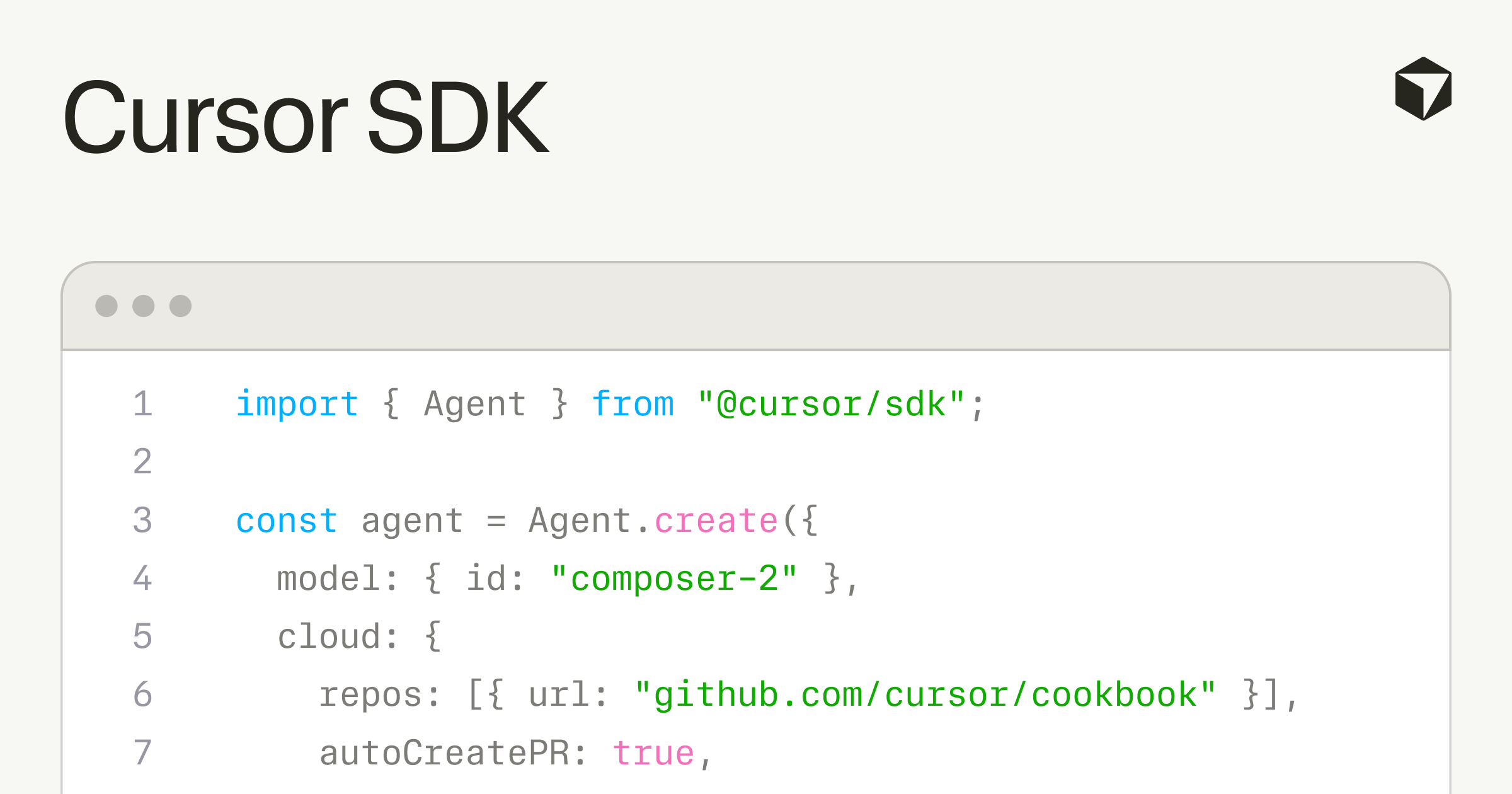
Cloud sessions initiated from the SDK run on the same optimized runtime we use for Cloud Agents. Each agent gets its own dedicated VM with strong sandboxing, a clone of the repo, and a fully configured development environment.
Agents keep going when your laptop sleeps or network drops. You can stream the conversation and reconnect later. When the agent finishes, it can open a PR, push a branch, or attach demos and screenshots.
// Initiate cloud agent to start a task...:
const agent = await Agent.create({
  apiKey: process.env.CURSOR_API_KEY!,
  model: { id: "gpt-5.5" },
  cloud: {
    repos: [{ url: "https://github.com/cursor/cookbook", startingRef: "main" }],
    autoCreatePR: true,
  },
});

const run = await agent.send("Fix the auth token expiry bug");
console.log(`Started ${run.id}`);

// ...check back in later, from anywhere:
const result = await (
  await Agent.getRun(run.id, { runtime: "cloud", agentId: run.agentId })
).wait();
console.log(result.git?.branches[0]?.prUrl);
The SDK uses our updated Cloud Agents API, which allows cloud agent runs to show up in Cursor's Agents Window and web app. You can start a task programmatically and then jump into Cursor to inspect progress or take over the work.
When you need a different runtime, the same SDK can run agents on self-hosted workers, keeping code and tool execution inside your network, or locally on your machine for fast iteration.
Use the full Cursor harness
Agents launched through the SDK benefit from the same harness that powers Cursor across our desktop app, CLI, and web app:
- Intelligent context management: Codebase indexing, semantic search, and instant grep help agents get to the right outcome faster and more efficiently.
- MCP servers: Agents can connect to external tools and data sources over stdio or HTTP, either through a
.cursor/mcp.jsonconfig file or passed inline on the call. - Skills: Agents pick up skills automatically from your repo's
.cursor/skills/directory. - Hooks: Observe, control, and extend the agent loop across cloud, self-hosted, and local with a
.cursor/hooks.jsonfile. - Subagents: Delegate subtasks to named subagents with their own prompts and models, which the main agent spawns via the
Agenttool.
Build on any model
The Cursor SDK gives you access to every model supported in Cursor. Route agents to the best model for the task at hand, with your desired balance of cost and capability, with a single field change.
And with Composer 2, a specialized coding model that achieves frontier-level performance at a fraction of the cost of general-purpose models, you get the best combination of intelligence and efficiency for most coding agent tasks.
What developers are building
Teams are using the Cursor SDK to ship custom agents faster. For example, programmatic agents that are kicked off directly from CI/CD to summarize changes, identify root causes for CI failures, and update PRs with fixes. Others are building custom agent platforms like internal applications that let GTM teams query product data without writing code.
Some customers are even embedding Cursor directly into customer-facing products, where end users now get an agent experience without leaving the host application.
Hear directly from some of our customers building on the Cursor SDK:
Cursor offers a great cloud experience for running many agents in parallel from the editor and CLI. We're excited about the SDK as a path to running our own programmatic agents on that same cloud runtime, without managing VMs or working around memory limits, to keep our codebase healthy without constant developer intervention.
George Jacob, Senior Engineering Manager, Faire
Start from a sample project
We've added a few starter projects to a public GitHub repo that you can fork and extend for your own use cases:
- Quickstart: A minimal Node.js example that creates a local agent, sends one prompt, and streams the response.
- Prototyping tool: A web app for spinning up agents to scaffold new projects and iterate on ideas in a sandboxed cloud environment.
- Kanban board: An agent-powered kanban tool where engineers can drag a card and have agents programmatically pick up the work, open a PR, and post the result back as an attachment.
- Coding agent CLI: A lightweight command-line interface that lets you spawn Cursor agents from your terminal.
What's next
The Cursor SDK is available to all users and is billed based on standard, token-based consumption pricing.
We are continuing to invest in the Cursor SDK, with a focus on making it even easier for teams to build programmatic agents across more languages, workflows, and deployment patterns.
Learn more by reading our docs. You can also use Cursor with our Cursor SDK plugin to help you start building.