The New Designer/Developer Collaboration (4 minute read)
A team built a production website in three weeks using Intent, an AI tool that automatically translated Figma designs into code and let designers, developers, and project managers work simultaneously on the same codebase.
Deep dive
- Team started with traditional two-week Figma design process including visual explorations, wireframes, grid setup, typography scales, color variables, and reusable components
- Developer connected Intent to Figma via MCP and created agents.md file pointing to artboards, using Astro and Tailwind as the tech stack
- Intent agents automatically pulled design tokens into Tailwind config and laid out pages using those tokens in parallel workspaces, desktop first then mobile
- Front-end infrastructure reached 85% fidelity in 1-2 days of work, creating functional pages using the design system without manual pixel-pushing
- Designer worked in Intent using grid overlays to verify alignment, instructing agents to "align to column three" rather than guessing percentage values
- Designer handled animations and entrance effects in hours instead of days through natural language instructions combined with manual control of easing curves
- Project manager handled content updates, blog posts, image assets, and text changes using simple single-agent tasks with frequent commits
- Developer managed templated pages where variable content required design rules, standardized code patterns through agents.md documentation, and handled PR merging
- Out of 30-40 pull requests across the project, only 5 required manual intervention, with Intent handling most git conflict resolution automatically
- Design tokens and initial setup ensured all team members' contributions remained consistent with design and development architecture regardless of technical skill
- During pre-launch crunch time, all three team members made changes simultaneously without breaking the design system or codebase
- Key advantage was eliminating the developer bottleneck where every change requires developer implementation, while still maintaining code quality and design consistency
Decoder
- Intent: An AI-powered development tool that uses agents to translate designs into code and enables collaborative coding through natural language instructions
- MCP (Model Context Protocol): A connection protocol that allows Intent to access and read Figma design files programmatically
- agents.md: A configuration file that defines instructions, patterns, and conventions for AI agents to follow when generating code
- Design tokens: Standardized design values like colors, spacing, and typography that can be extracted from design tools and translated into code variables
- Workspace: An isolated environment in Intent where specific tasks are performed by AI agents before changes are committed to the codebase
Original article
There's lots of ways to build a website. Most of them involve designers working in one tool, developers working in another, and a painful handoff process somewhere in between. We recently used Intent to design, build and ship a well-crafted website in about three weeks, and the collaboration model that emerged shined a light on how things could (no, should) be.
Design First
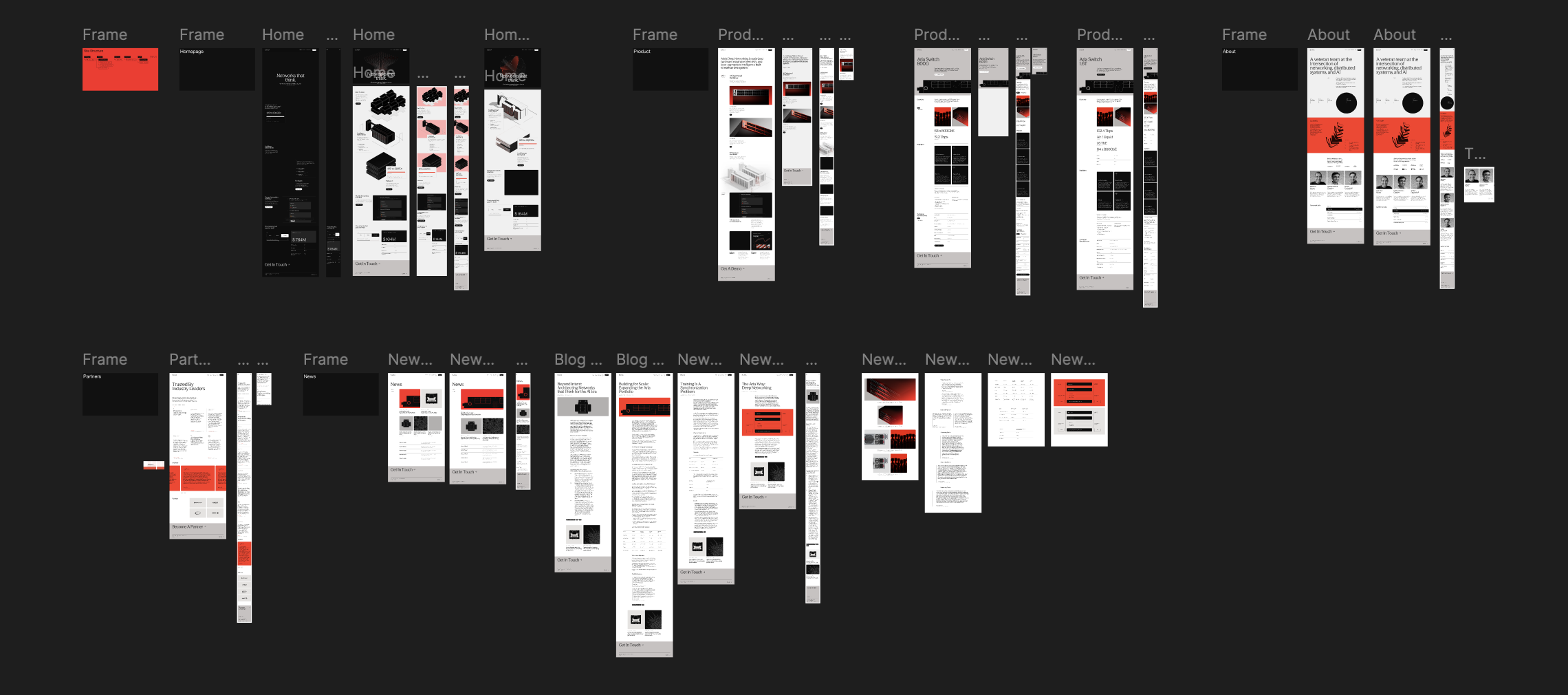
We started the way most Web projects start these days: in Figma. Visual explorations of what the style, wireframes for the structure, then bringing the two together into full page layouts. Our designer set up the grid, typography scales, color variables, buttons, and reusable components. Your typical design system.
This process took about two weeks and was pretty standard. Desktop and mobile comps, a couple rounds of feedback on visuals and copy, iterating until we had a visual style, a rough structure, and directional content. Just a solid Web design process.
Development Foundation
Once the designs were in a good place, our developer jumped in. But not by staring at a Figma file and manually translating pixels into code. Instead, he opened up Intent, set up the project scaffolding (Astro, Tailwind), connected to the Figma MCP, and wrote an agents.md file that pointed to all the artboards.
Then he kicked off a series of workspaces. The first one pulled the design tokens into Tailwind. The second started laying out the first page using those tokens. After that, he was able to break off into parallel workspaces, one for each page. Desktop layouts first, then separate passes for mobile.
This whole phase, the front-end infrastructure, took maybe one or two days of actual work. And by the end, every page existed in code, using the design system, at roughly 85% fidelity. Not pixel perfect, but pretty damn close.
Parallel Work
Once he deployed the site to a staging URL, the three of us started working in Intent simultaneously: our designer, our front-end developer, and me handling product/project management. Though we all were using the same tool, we each worked our own way.
Our designer set up a grid overlay so he could visually verify alignment. He would tell the agent "align to column three" and it would snap things into place (way better than guessing at percentage values). He preffered staying in one workspace to tweak alignment and refine grid positioning across a full page before committing things.
Once the pages were structurally solid, he moved on to animations. Entrance effects on homepage elements, scroll-triggered transitions, etc.. Work that normally takes days of back-and-forth between a designer specifying timing curves and a developer implementing them happened in about hours. He still maintained manual control where it mattered, finding the exact easing curve he wanted then telling the agent to use it. The implementation was handled for him so he could focus on how things felt.
Meanwhile, I was doing content and product work. Dumping in blog posts from Word docs, adding image assets, making text changes based on feedback from the broader team. My approach was simple: small discrete tasks with a single agent. Fix one thing, commit. Fix another thing, commit. Once I had four or five commits, I'd open a pull request, toss out the workspace, and start a new one. The design tokens and setup our developer created ensured my changes were all inline with our design and development architecture.
Our developer's job during this phase was partly creative and partly managerial. He handled the templatized pages (news, product detail) where variable content meant design rules mattered more. He also kept an eye on pull requests, merged changes, resolved conflicts, and updated the agents.md file when he noticed patterns emerging in the code that should be standardized.
For example, when he saw icons being added in a way that wouldn't scale, he set up a better pattern and documented it. The next time anyone needed to add icons, the agent just followed the convention automatically. He used Intent for conflict resolution too, pulling up conflicting branches and having the agent sort them out. Out of maybe 30 or 40 pull requests across the project, only five needed real manual intervention.
Same tool, three different workflows, nobody waiting on each other.
Crunch Time
Every web project has a crunch period right before launch and ours was no different. The broader team started paying attention (as they always do at the very end), and feedback flooded in. But because the three of us could all be in Intent making changes at the same time, the crunch was way more manageable than usual.
The biggest win was that any one of us could contribute meaningfully to the codebase without breaking the design system, code structure, or the site. That's a fundamentally different dynamic than waiting for a developer to make every change.
A New Way of Working?
It wasn't perfect. CSS layout struggles are still a thing. Git seems to keep finding ways to bite you. And there's still a learning curve for non-developers, even with agents handling the hard parts.
But without the handoff, everyone builds. And that makes all the difference.