DEVOURED
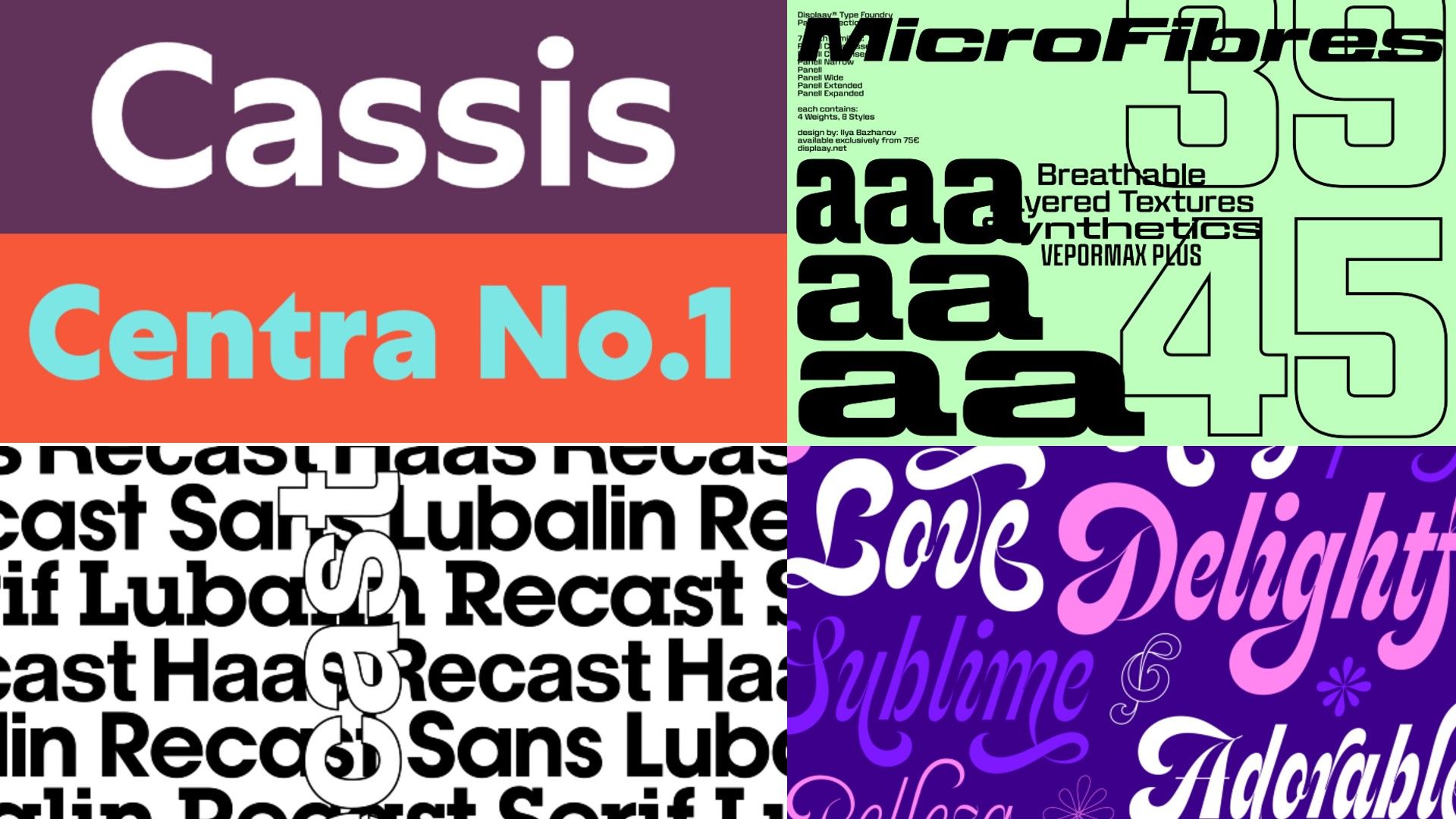
Six common font pairing mistakes and how to avoid them
Effective font pairing requires deliberate contrast and distinct roles, though often the best design solution is to rely on a single typeface family.
What: Designers warn that pairing fonts that are too similar, too loud, or poorly justified creates visual friction that dilutes a brand identity, suggesting that using optical sizes or font weight variations within one family is often more effective.
Why it matters: As UI components become more standardized, clear typographic hierarchy is becoming a primary differentiator for brand identity, moving away from decorative complexity toward functional clarity.
Takeaway: Before adding a second font to your project, try to build your entire hierarchy using only the weight, style, and optical size variations of your primary typeface.
Decoder
- Optical Size: A version of a typeface designed specifically to be legible at certain sizes (e.g., a display font optimized for large headers vs. a text font for body copy).
- Terminal: The end of a stroke in a letterform that does not have a serif.
- Hierarchy: The arrangement of type elements to create a clear order of importance for the reader.
Original article
Effective font pairing relies on clear contrast, hierarchy, and purpose: avoid combining typefaces that are too similar, too expressive, or poorly defined in their roles, and ensure each font has a specific job within the system. In many cases, a single well-chosen typeface family with multiple weights, styles, or optical sizes can create a stronger and more cohesive identity than pairing multiple fonts.
Explore all 68 articles in today's digest
Fresh dev news, AI-digested daily. Never miss a trend at devoured.fyi