DEVOURED
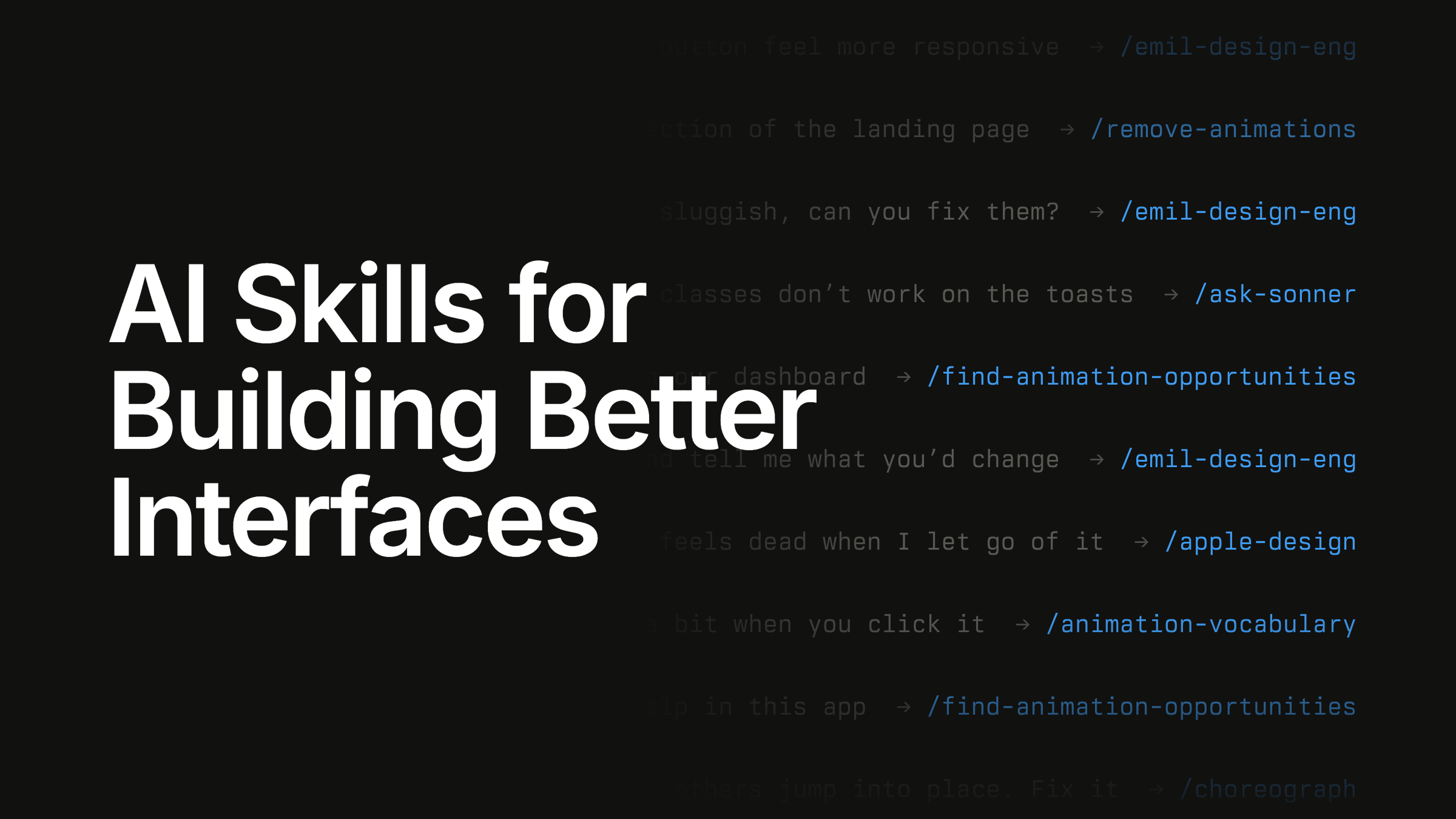
AI Skills for Building Better Interfaces (Website)
Emil Kowalski released a collection of 17 AI agent skills designed to assist developers in building and refining interfaces with specific design engineering expertise.
What: The collection includes skills for tasks like animation, gesture handling, mobile responsiveness, and accessibility, accessible via the command `npx skills@latest add emilkowalski/skills`.
Why it matters: This signals a shift toward domain-specific agent skills, where developers treat specialized interface design knowledge as a programmable module rather than relying on generalist AI outputs.
Takeaway: Run `npx skills@latest add emilkowalski/skills` to integrate these specific design-engineering prompts into your workflow.
Decoder
- Design Engineering: A cross-functional role bridging UI design and frontend development, focused on building interactive, polished, and performant interfaces.
Original article
AI Skills for Building Better Interfaces
Crafted for people who want to build beautiful things.
Available skills
Ordered in the way you’d reach for them in an actual project.
Before you build
Learn the right words, pick what to build it with, and compare real options before deciding.
- Animation Vocabulary: The exact word you need to describe what you want.
- Pick a UI Library: Your agent can choose a library from a curated list of options.
- Prototyping: Build several variants before settling on one.
Building the interface
The skills that will help you make the right decisions for your interface.
- Design Engineering: The main skill. Contains my design engineering thinking.
- Animate: Builds animation for you, with the right ingredients.
- Choreograph: Coordinate several elements that move together.
- Apple Design: Fluid, physical motion, the way Apple would build it.
- Gestures: Drag, swipe, and sheets that feel like they are supposed to.
- Mobile Native: The small fixes that make a web app feel great on a phone.
Refining and reviewing
Go an extra mile, ensure everything is performant, and that the motion feels right.
- Animation Performance: Ensure your app is fast and animates at 60 frames per second.
- Break UI: Test your UI with long names, unusual emails, long lists, etc.
- Review Animations: A strict review that results in an approval or a block decision.
Looking at the whole app
When not building, zoom out. Improve the experience of the whole app.
- Find Opportunities: See where motion in your app makes sense, and where it doesn’t.
- Improve Animations: An audit of all your motion, with plans for subagents to execute.
- Remove Animations: Removes unnecessary animations to improve the experience.
Other skills
Ranging from specific tools and platforms to more general skills.
- Animate Expo: Build better animations in Expo, built in collab with the Expo team.
- Ask Sonner: Setup, recipes, and fixes for my toast library.
Join the course behind these skills.
Join the waitlist to get two free lessons from AI for UI and be the first to know when enrollment reopens.
Enrollment reopens on Tuesday, December 8
Explore all 54 articles in today's digest
Fresh dev news, AI-digested daily. Never miss a trend at devoured.fyi